小煜
5d9e09e9c3
小煜
5d9e09e9c3
- Add core addon files (__init__.py, KKPanel.py, preferences.py, common.py)
- Add import pipeline with armature, mesh, and material modification modules
- Add export pipeline with material baking and FBX preparation utilities
- Add material combiner tool for texture atlas generation and optimization
- Add extras utilities for animation, rigging, and asset management
- Add bone orientation data from better_fbx for accurate skeletal structure
- Add comprehensive documentation and wiki with multi-language support (EN, JP, ZH)
- Add animation library retargeting lists for ARP and Rokoko motion capture
- Add Rigify integration scripts for advanced rigging workflows
- Add shader file (KK Shader V8.0.blend) for material rendering
- Add manifest and license files for addon distribution
- Add changelog documenting version history and improvements
- Initialize complete Blender addon project for Koikatsu character import/export
2.4 KiB
2.4 KiB
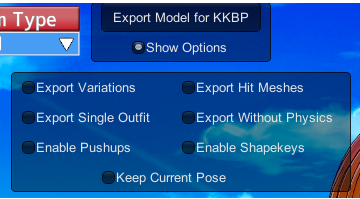
导出器面板设置
本页将简要介绍导出器面板中的每个设置。
冻结当前姿势
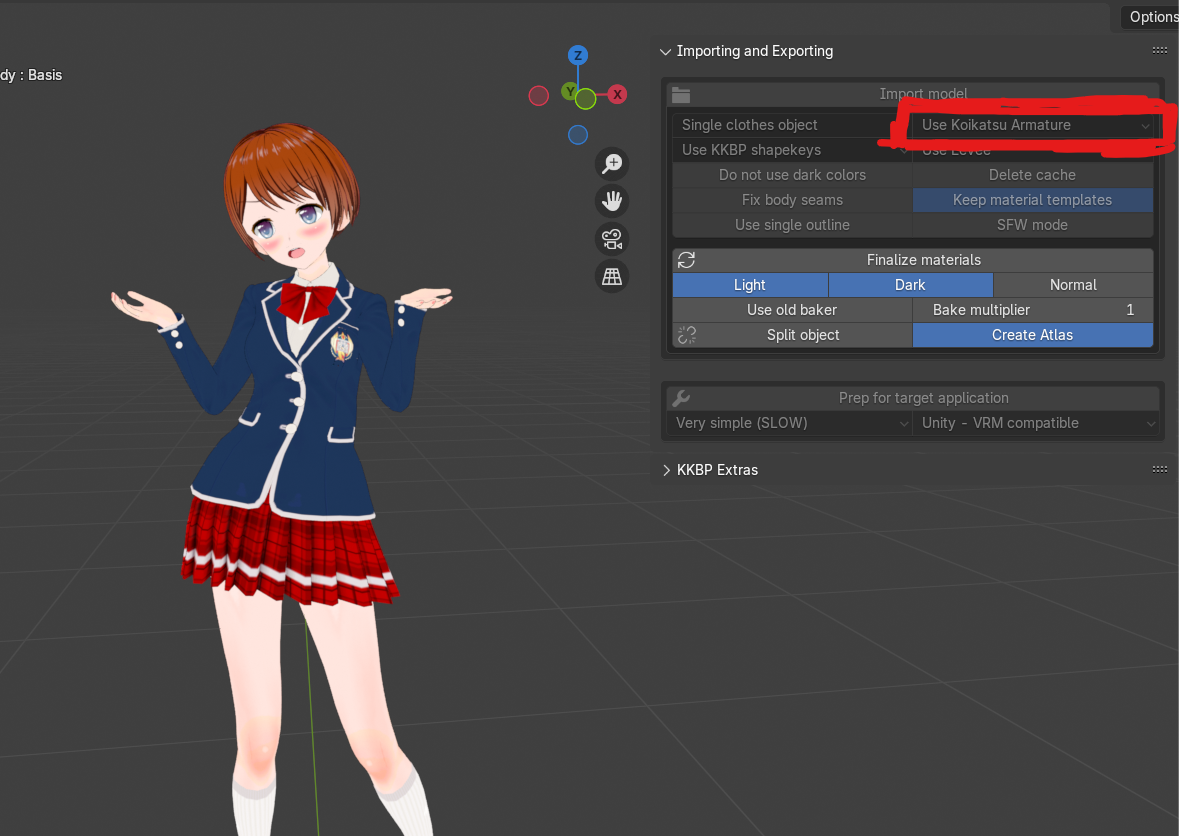
导出期间通常会将姿势重置为 T 姿势。启用此选项可不重置为 T 姿势,并保持你在角色制作器中选择的姿势。由于姿势已预先应用到骨架上,骨架在 Blender 中将无法正常工作。此设置可能对 Koikatsu 模型的 3D 打印或静态图像有用。此导出器设置将强制使用 Blender 中的 Koikatsu 骨架。请参见下图以了解应用到模型的姿势示例。
导出时不使用物理
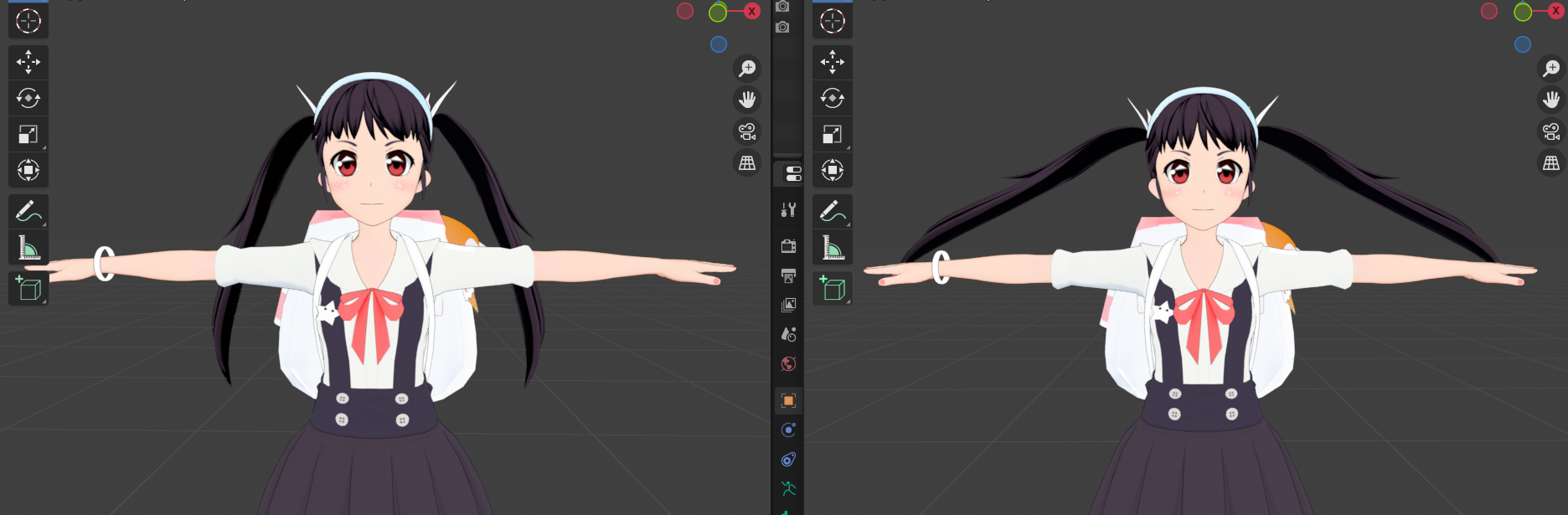
某些服装依赖游戏内物理才能看起来正确。启用此选项可在导出期间禁用游戏内物理。这可能会使某些服装因缺少物理而看起来很奇怪,但如果你想在 Blender 中为模型应用自己的物理,这会很有用。
冻结形态键
导出期间形态键会恢复为默认值。启用此选项可将你在角色制作器中启用的任何形态键冻结到基础网格。由于网格已预先变形,其他形态键在 Blender 中将无法正常工作。泪水和口塞眼睛形态键在 Blender 中也将无法工作。请参见下图以了解一些预先应用到基础网格的形态键示例。
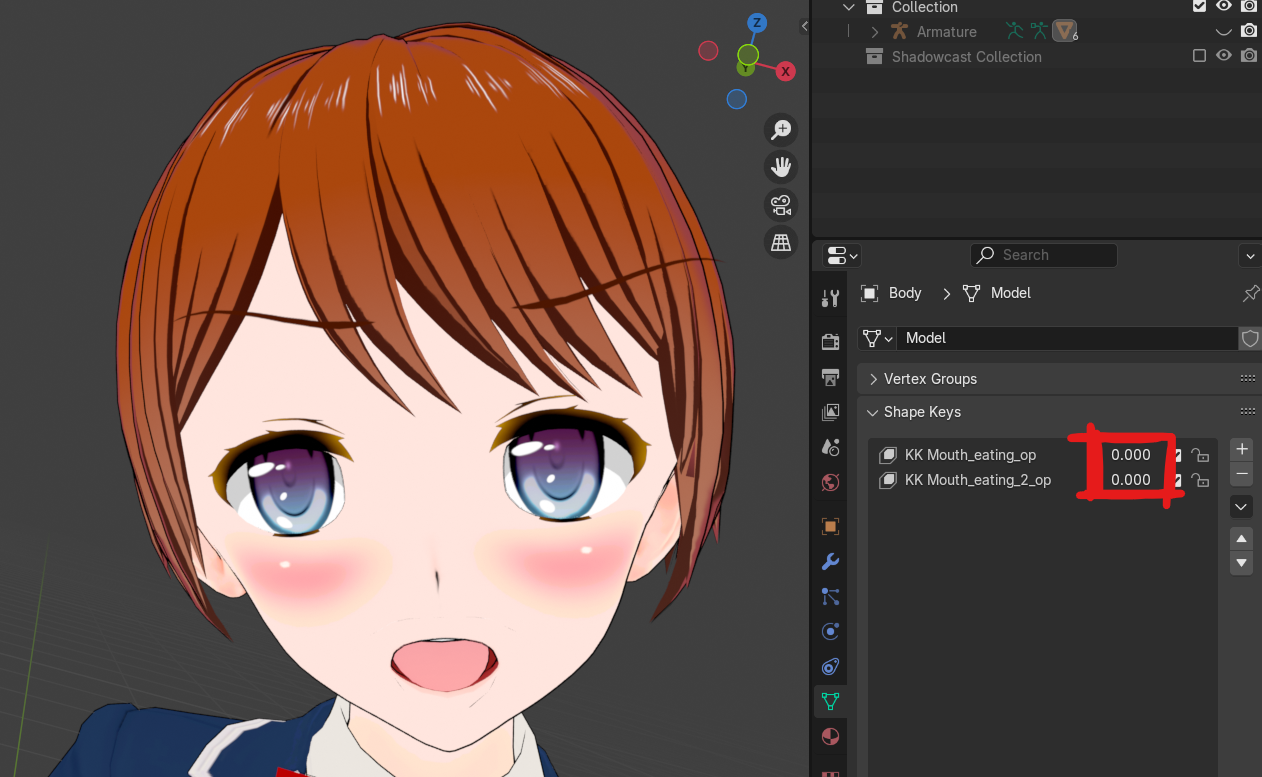
导出变体
这将导出任何可用的服装变体。并非所有服装都有变体。
导入时,变体将默认在大纲视图中隐藏。
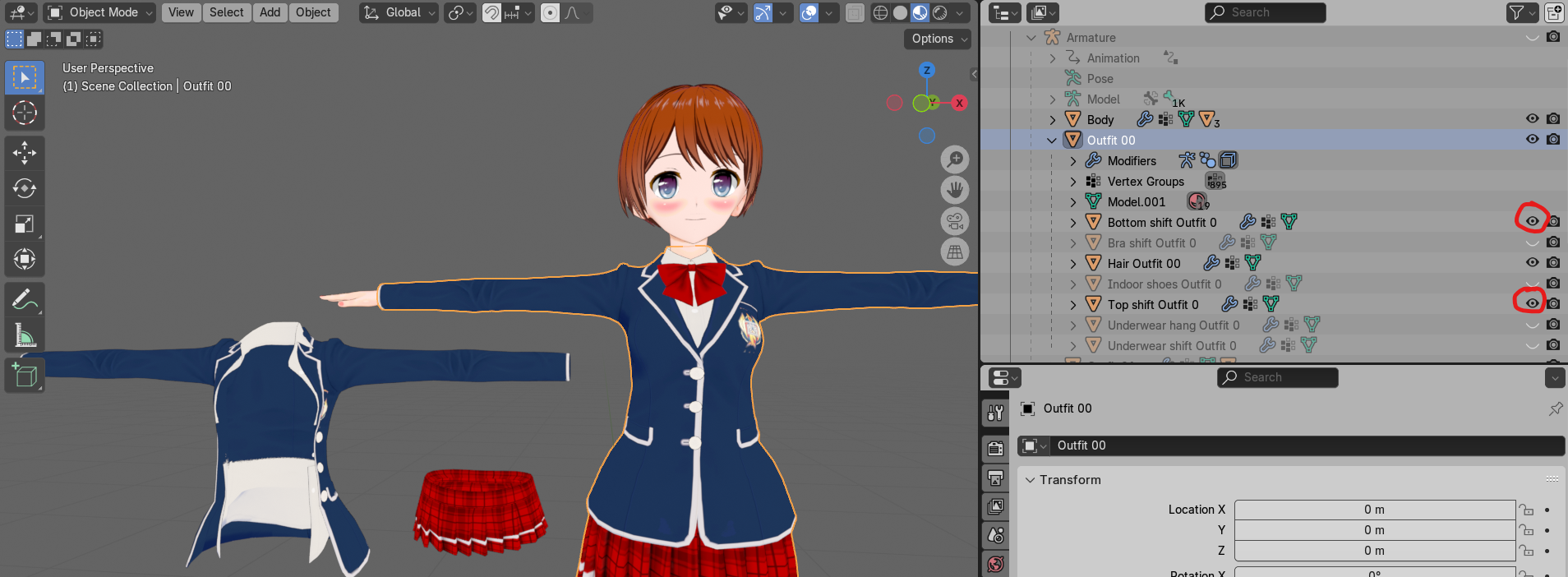
导出所有服装
这将使导出器导出卡片的所有服装,而不仅仅是当前选择的服装。这将大大增加 Koikatsu 导出时间和 Blender 导入时间。
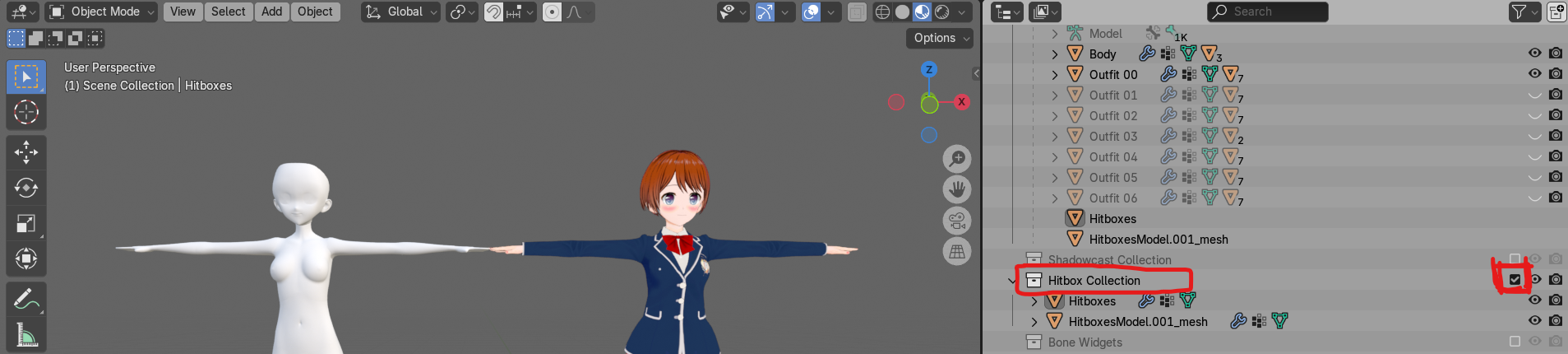
导出碰撞网格
这将导出碰撞网格。下面显示了碰撞网格的示例。
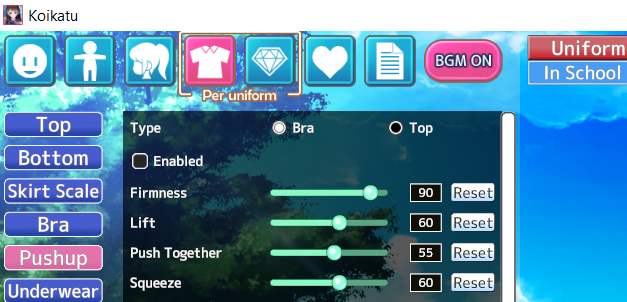
启用推高效果
导出期间会禁用服装推高效果(如下所示)。启用此选项可保持它们开启。